
Arched StudioApps & Programs
Explore Arched Studio apps and programs such as AttenQR (attendance), PromptDock (teleprompter), and Fluenex (real-time meeting captions + AI coaching + minutes).
Use the KOR/ENG toggle to switch the page copy between Korean and English.
Apps / programs
Below is a quick overview of currently listed apps/programs. This list may expand over time.
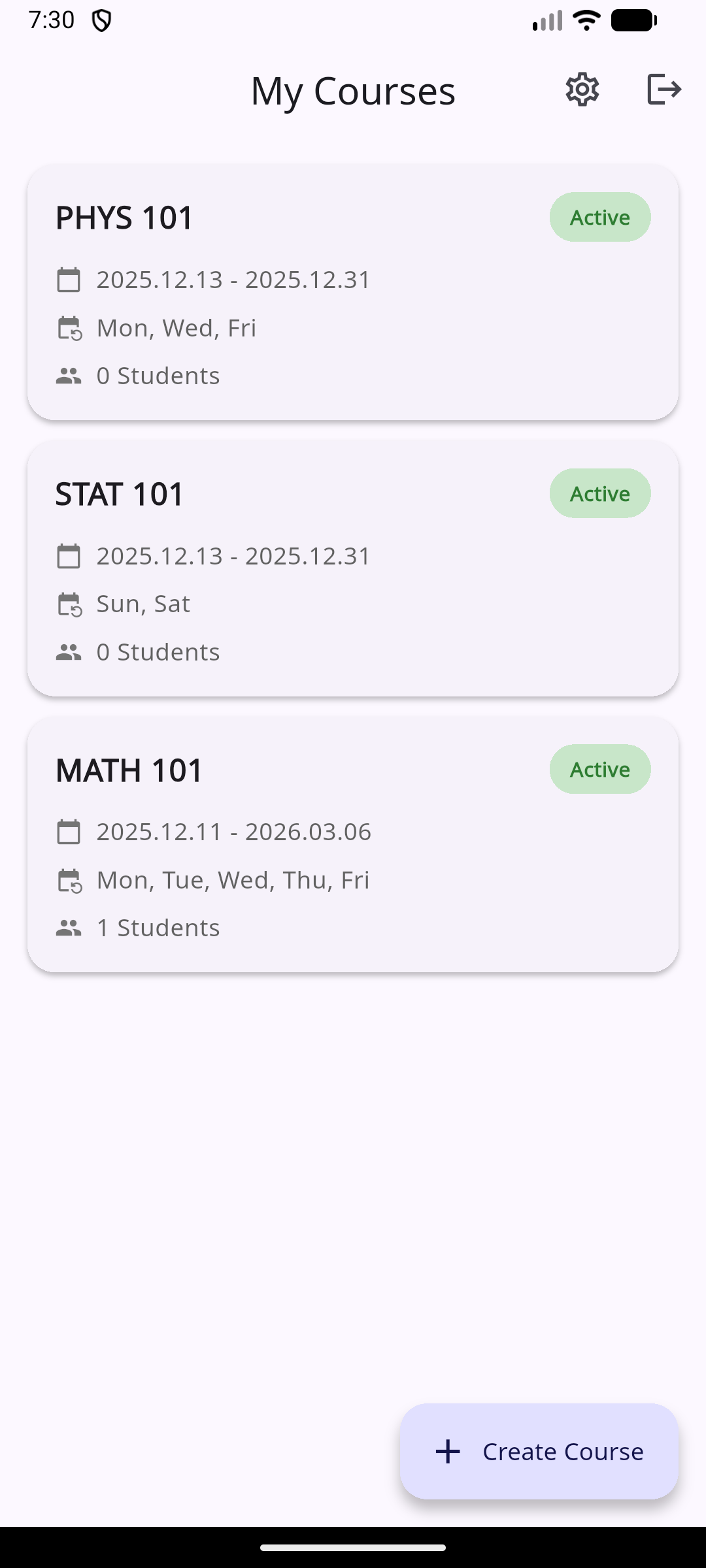
- Course management + student enrollment (QR/manual), daily attendance QR + persistent enrollment QR
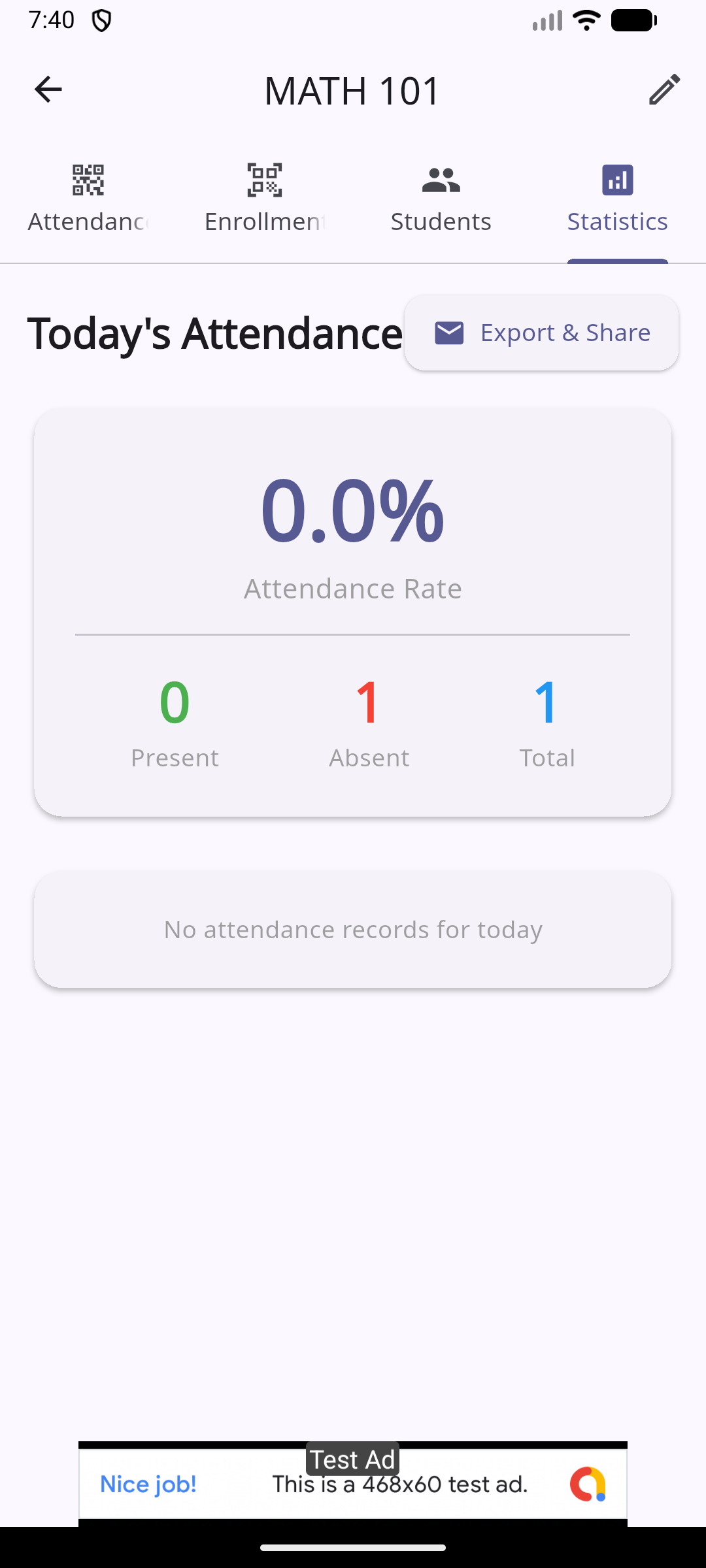
- Attendance analytics and per-student records, CSV export
- Teacher/student roles with Firebase-backed auth and data
- Edit directly on the prompter with real-time preview
- High-performance auto-scroll (requestAnimationFrame) with fine speed control
- Fully customizable shortcuts (incl. global) and pro multi-monitor workflows
- Audio capture → STT (Deepgram) → translation (DeepL) → overlay captions/coaching/minutes
- BYOK (client key) vs Managed (server proxy) security model
- Firebase (Auth/Firestore/Functions) + Cloud Run proxy + Admin UI architecture
A QR-based attendance app for educational institutions. Teachers manage courses, students, and statistics; students check in via QR and review attendance history.
A QR-based attendance app for educational institutions. Teachers manage courses, students, and statistics; students check in via QR and review attendance history.
- Reduces manual check-in and spreadsheet-heavy attendance bookkeeping.
- Simplifies in-class attendance to a fast QR scan workflow.
- Keeps teacher and student flows clearly separated.
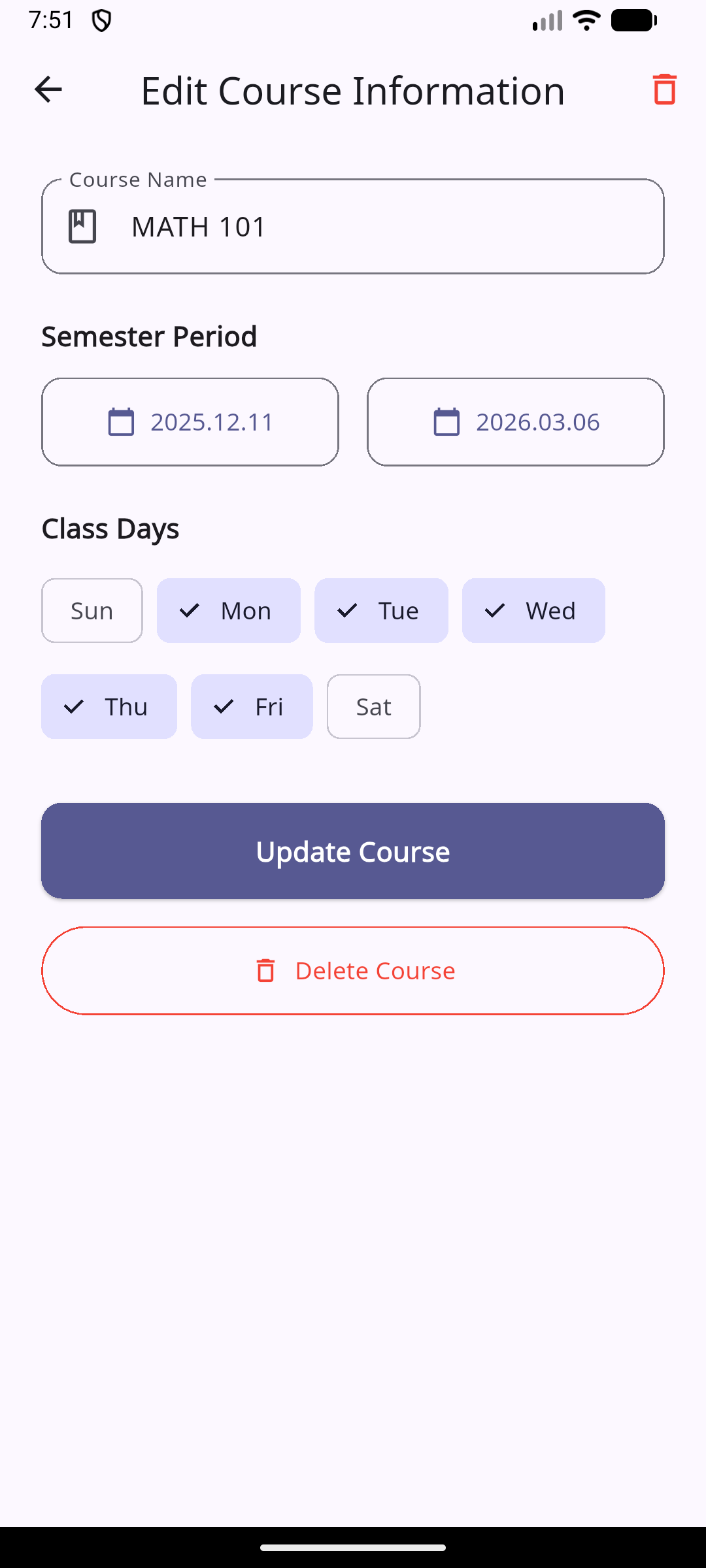
- Course management with configurable schedules
- Two QR types: rotating daily attendance QR + persistent enrollment QR
- Student management via enrollment QR or manual add
- Analytics: attendance rates and per-student records
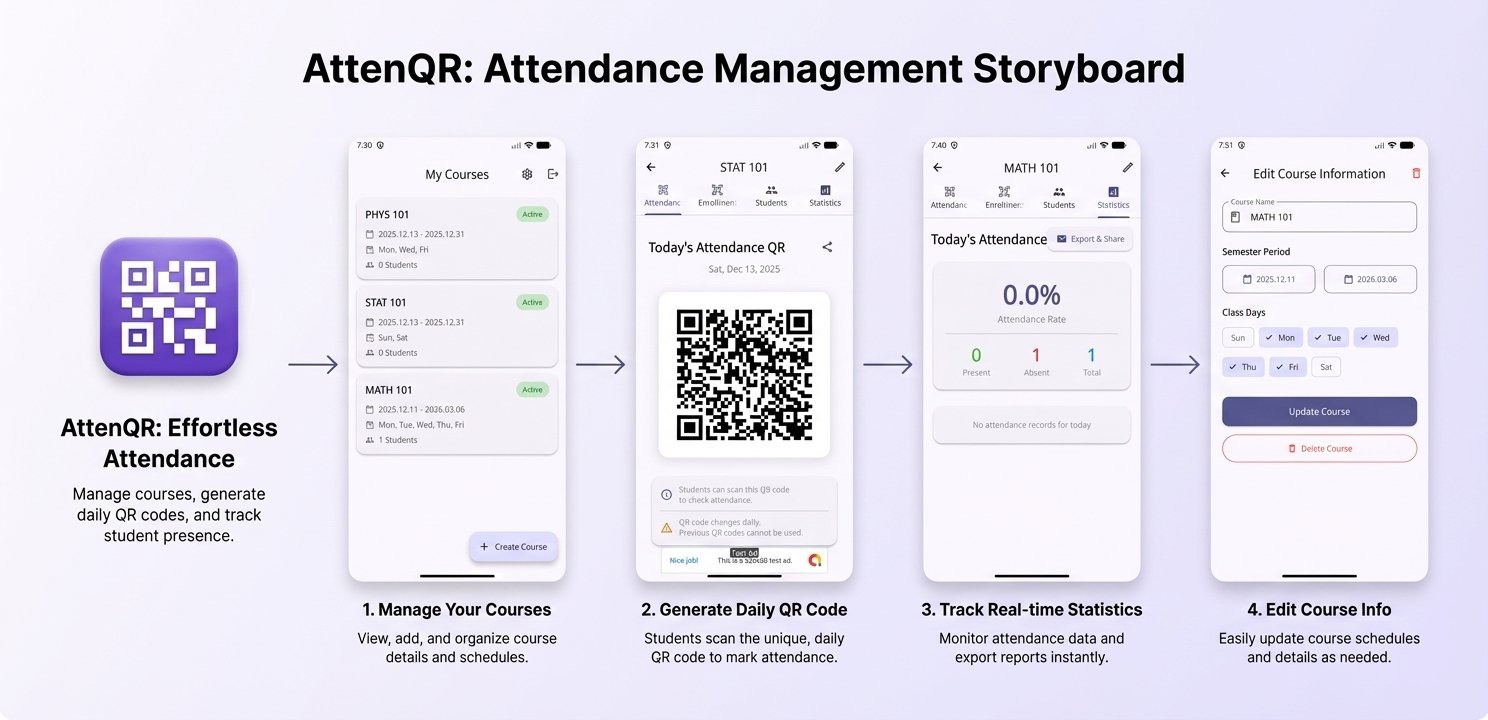
- 1Teacher: create course → enroll students → publish daily QR → review stats → export CSV
- 2Student: enroll via QR → scan daily QR → review history
See the end-to-end flow and key UI surfaces at a glance.

Contact
Tell us what you’re building and which team you want to reach.